One product
This site is only for Clipboard Manager. The Play listing is the source of truth for price, screenshots, and availability.
Android · Offline-first
Clipboard Manager: Copy Paste keeps the text, links, images, and files you copy — searchable, pinnable, and on your phone. Nothing leaves the device unless you choose encrypted backup, Google Drive, or AI.
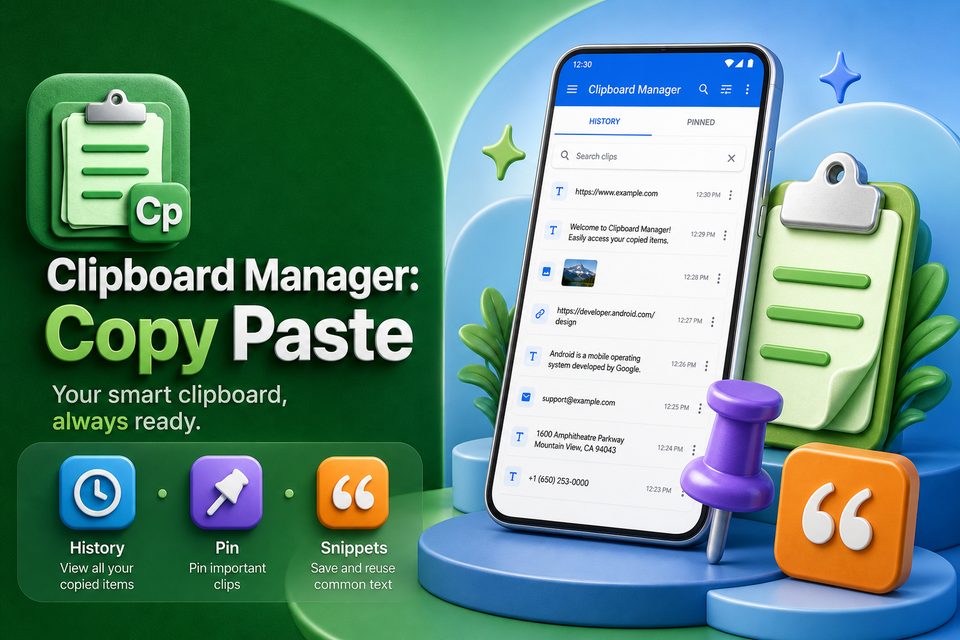
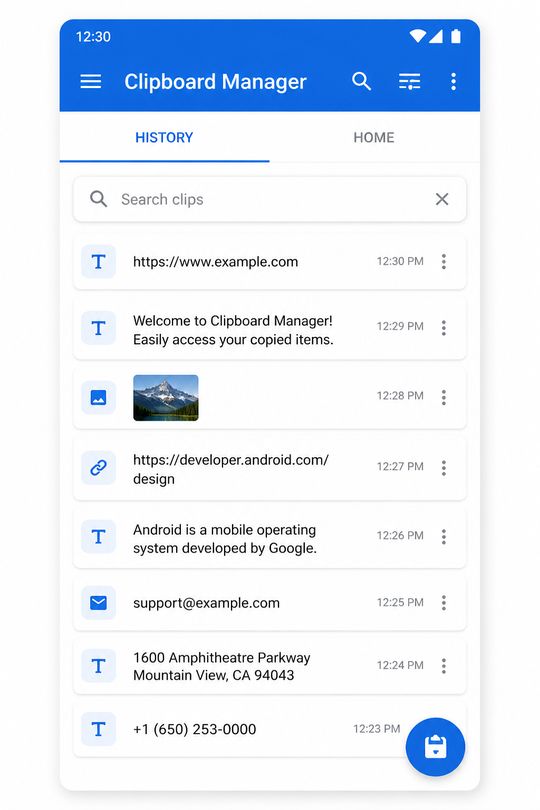
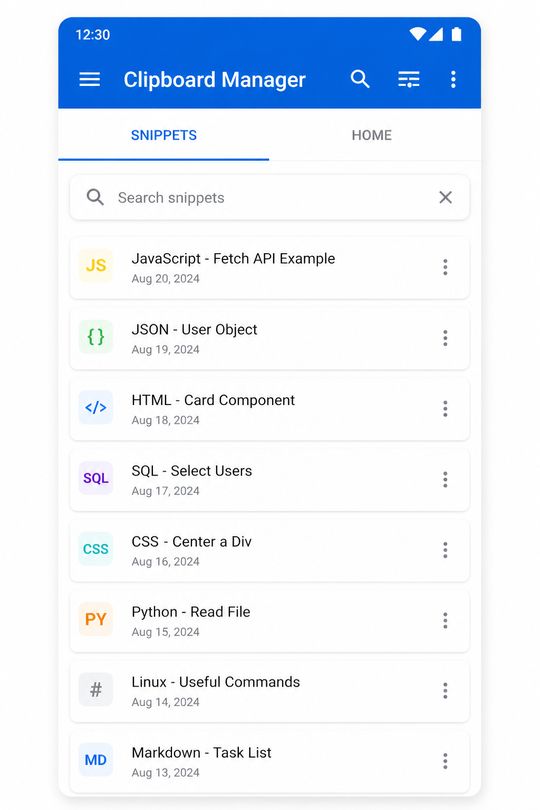
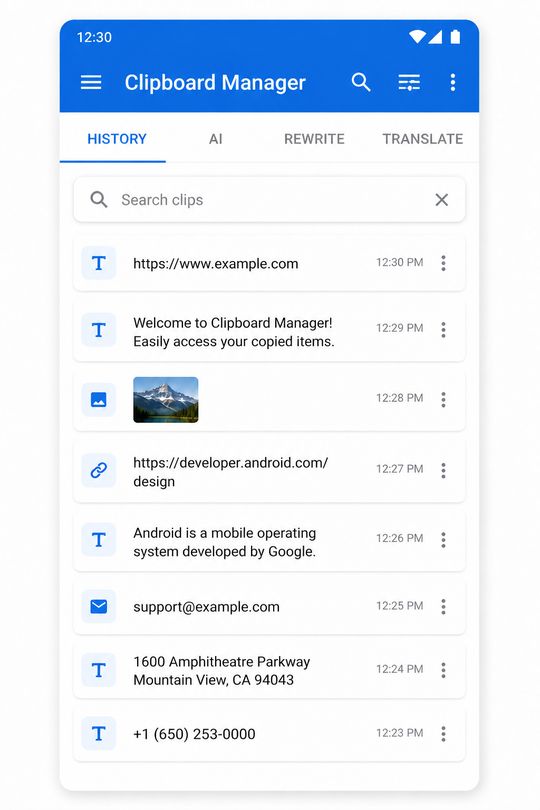
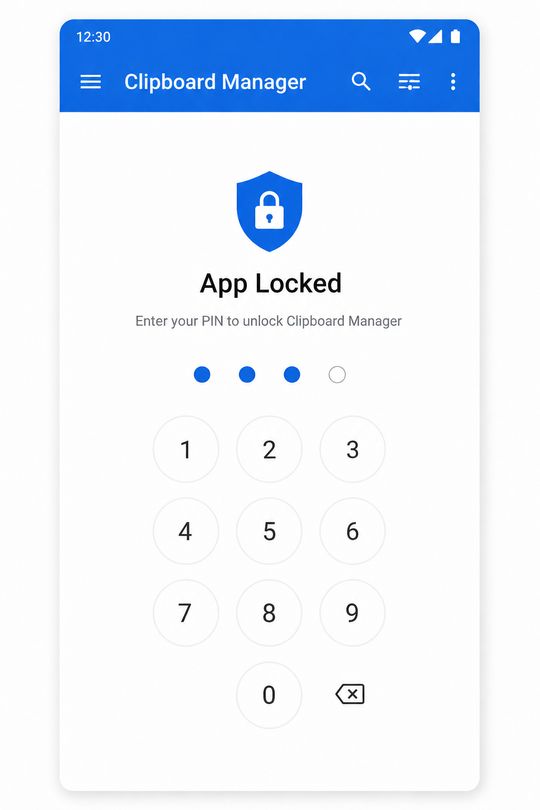
Illustration of the kinds of clips the app stores. Not a store screenshot.
This site is only for Clipboard Manager. The Play listing is the source of truth for price, screenshots, and availability.
Paste now works while the app is open. Accessibility is only for auto-saving copies from other apps.
Free keeps recent history. Premium adds unlimited history, folders, snippets, Drive backup, and an ad-free app.
Search history, pin what matters, and paste it back. Notes, OCR, voice, and AI are there when you want them — not required to use the clipboard.
Text, links, HTML, images, and files. Search, pin, and filter by type — including code, OTP, and password clips you choose to keep.
Premium adds folders, tags, and reply snippets with variables such as {name}, {date}, and {time}.
Rich notes, QR and barcode scan, and document OCR from a photo, image, or PDF. Share into the app to save or append.
Rewrite, translate, explain, or summarize. Only the text you select is sent when you tap Generate. Daily free uses; Premium raises the quota.
Encrypted local backup with a passcode. Premium can back up and restore from Google Drive, with multi-device sync on the higher plan.
App lock with PIN and biometrics, masked sensitive clips, and a home-screen widget. Light, dark, and system themes.
Use the system copy action in any app. Open Clipboard Manager and use Paste now without turning on Accessibility.
On Android 13 and later, allow restricted settings if prompted, then enable Accessibility and Start capture. OEM battery limits may also need to be lifted.
History does not require the app to stay in the foreground once capture is running. Open it when you want to manage clips.
Clips live in the Android app. This site does not receive clipboard contents, accounts, or backups. Analytics on these pages only measures visits.
The app privacy policy — including sign-in, Drive, ads, and AI — is published by GIXSOFT. https://gixsoft.com/privacy
No. Paste now reads the clipboard while the app is open. Accessibility is only for auto-saving copies from other apps in the background.
No. History stays on the device unless you create an encrypted backup, use Google Drive, or send selected text to AI.
Unlimited history, ad-free use, folders, tags, snippets, Drive backup, export and import, sensitive auto-delete, widgets, and optional multi-device sync.
Only from the official Google Play listing for com.gixsoft.clipboard_manager. This website does not distribute an APK.